Access
This page allows configuration of the authentication mechanism and user management.

Page elements
-
Device access configuration form.
Contains the following fields:
- allow firmware updates,
- enable Basic Authentication,
- administrator (admin) login and password,
- user (user) login and password.
The admin account has full access to the web interface and all API commands.
The user account allows login to the simplified web panel (Status) and execution of output control commands for OUT, PWM, and
VARvariables. -
Control users list
This list is active when Basic Authentication is enabled.
Users from this list:
- can execute only output control commands for OUT, PWM, and
VAR, - do not have access to the web interface,
- do not have access to device configuration.
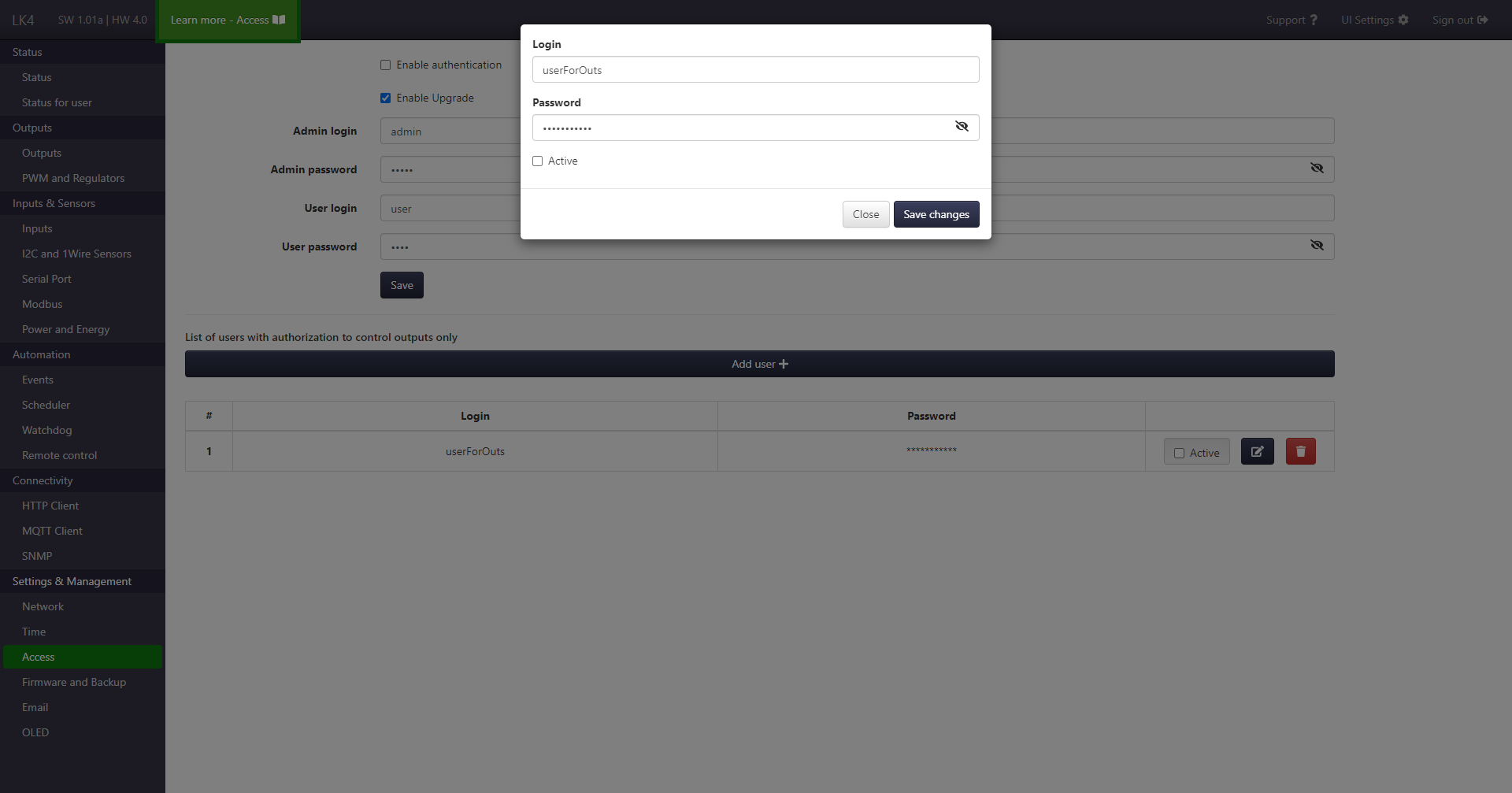
Each entry includes buttons for activation, editing, and deletion.
Above the table there is a button that opens the user creation form (shown in the image below). - can execute only output control commands for OUT, PWM, and
Login and authorization
When Basic Authentication is enabled, access to device resources (including HTTP commands) requires valid login credentials.
- Login to the web interface is performed via the on-page form.
- The same credentials are used to authorize API requests.
The scope of available operations depends on the assigned user role.
If Basic Authentication is disabled, HTTP resources are accessible without authentication.