User Interface
LK4 provides a web-based interface. The user can access internal device readings as well as data from connected sensors/modules. In addition to readings, device configuration is also available.
Login
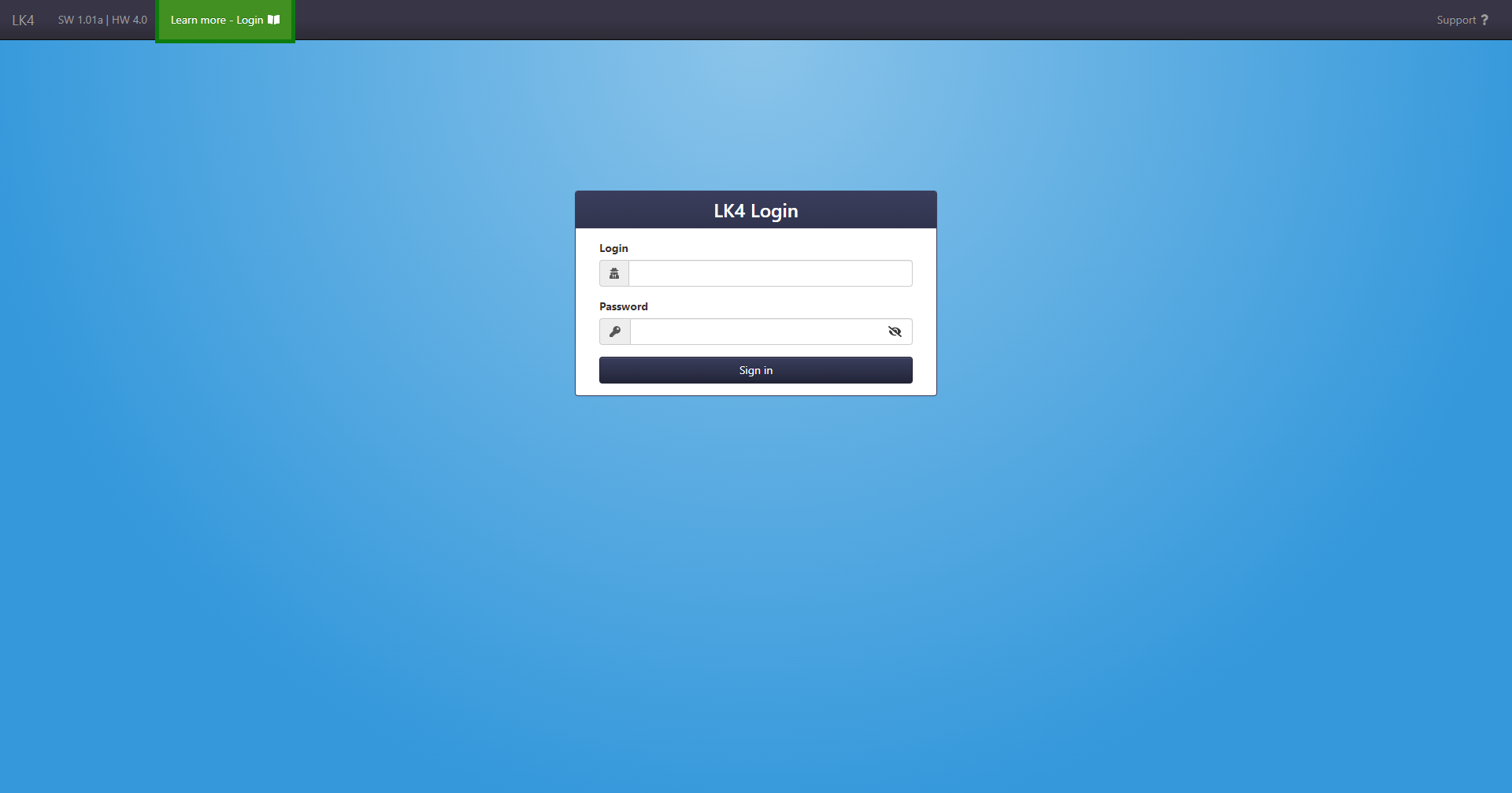
The device provides two access levels to the web interface: administrator and user.
- Administrator (admin) has access to all device settings and configuration pages.
- User (user) has access to the Status panel, where only the data made available by the administrator is visible. The user account also allows control of OUT, PWM, and VAR variables.
Login credentials
The default administrator credentials are admin: admin,
and the default user credentials are user: user.
New login system
Since SW 1.38, a new login system integrated with Basic Authentication has been introduced.
- The web interface uses the Basic Authentication method to authorize API requests.
- Authentication is performed via the login form on the web page.
- The previous solution with two separate login forms has been removed.
- Basic Authentication is enabled by default.
After logging in, the interface uses the provided credentials to authorize subsequent API requests.
Securing device access
To increase security, it is recommended to:
- keep Basic Authentication enabled,
- change the default credentials for both admin and user accounts (even if only one account will be used),
- enable HTTPS in the Network tab.
Changing the default credentials is particularly important when the device is connected to a network with external access.